
Artificial Intelligence is no longer a luxury — it’s part of everyday life. From writing content to designing images and automating workflows, AI tools have become essential for creators, professionals, and businesses alike.
In 2025, hundreds of AI tools are competing for your attention — but only a few deliver real value for free.
In this article, we’ve rounded up the Best Free AI Tools of 2025 that help you work smarter, faster, and more creatively — without spending a dime.
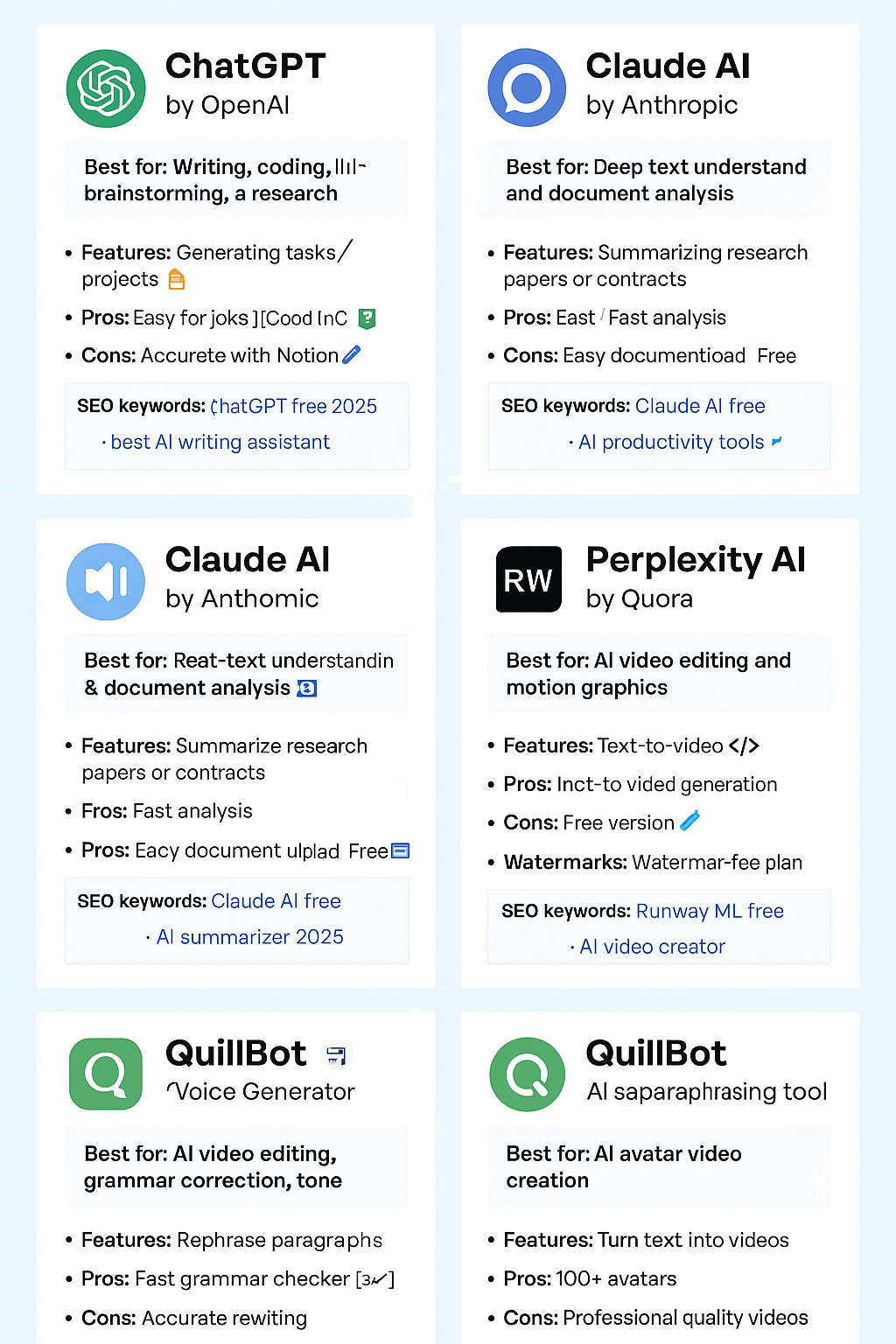
🧠 1. ChatGPT (by OpenAI)
Best for: Writing, brainstorming, coding, and productivity
Still the most popular AI assistant in 2025, ChatGPT remains unbeatable in versatility. With GPT-5 now integrated, it can write articles, summarize long PDFs, generate code, answer complex questions, and even analyze data.
Why it stands out:
-
Natural conversation flow
-
Creative writing & research support
-
Integration with web browsing & data tools
Pro Tip: Use the ChatGPT Free Plan for general writing, but upgrade to ChatGPT Plus if you need image generation or faster access.
💡 What You Can Do with ChatGPT Free:
-
Generate articles, blog outlines, or marketing copy
-
Write code and debug programming errors
-
Create Excel formulas, analyze data, or summarize PDFs
-
Simulate interviews or customer support conversations
⚙️ New Features (2025 Update):
-
Memory & Custom Instructions: ChatGPT remembers your tone, business name, and writing style
-
Integrated Web Browsing: Access up-to-date data directly from the internet
-
GPT Store: You can use custom-trained GPTs for specialized tasks (SEO, design, HR, etc.)
✅ Pros:
-
Incredibly versatile
-
Constantly updated with new plugins
-
Accessible even on the free plan
❌ Cons:
-
Limited daily usage for free users
-
Premium (ChatGPT Plus) offers faster response times
🎨 2. Canva Magic Studio
Best for: AI image design, presentations, and video editing
Canva has evolved into a full AI-powered creative suite. Its new Magic Studio allows users to generate designs, edit photos, and create videos using text prompts — all free within Canva’s base plan.
Why it stands out:
-
Magic Write (AI copywriting tool)
-
Text-to-Image art generation
-
AI video summarizer and background remover
Perfect for: Content creators, marketers, and social media managers.
💡 What You Can Do for Free:
-
Use “Magic Write” to generate captions, ad copy, or blog intros
-
Create social media graphics from text prompts
-
Remove image backgrounds or replace objects instantly
-
Generate short videos with auto-subtitles
⚙️ 2025 Upgrades:
-
Magic Switch: Instantly repurpose designs for different formats (Instagram → YouTube thumbnail)
-
Brand Voice: Maintain consistent tone and color palette across all AI-generated content
✅ Pros:
-
Extremely beginner-friendly
-
Integrates text + design + video in one dashboard
-
Offers generous free plan
❌ Cons:
-
Some advanced tools locked behind Pro plan
✍️ 3. Notion AI
Best for: Productivity, notes, and project management
Notion AI turns your workspace into an intelligent assistant. It summarizes meeting notes, generates task lists, and writes emails or blog posts directly within Notion.
Why it stands out:
-
AI summaries of documents
-
Instant content rephrasing
-
Brainstorming ideas and project planning
Best feature: Seamless integration with your Notion workflow.
💡 Key Uses:
-
Generate task summaries or meeting notes
-
Brainstorm content ideas for projects
-
Rewrite or simplify complex text
-
Translate or format blog posts
⚙️ New 2025 Features:
-
AI Autofill: Automatically completes sections in databases
-
Smart Project Briefs: Converts rough ideas into structured plans
-
Document Summaries: Summarize long pages with one click
✅ Pros:
-
Seamless integration with productivity workflow
-
Free tier included with all Notion accounts
-
Beautiful, distraction-free interface
❌ Cons:
-
Can feel slow on large documents
-
No voice command support yet
💬 4. Claude AI (by Anthropic)
Best for: Long document understanding and analysis
Anthropic’s Claude 3 has gained massive popularity in 2025 for its ability to process long text files, legal contracts, and research papers with impressive accuracy.
Why it stands out:
-
Handles up to 200K tokens of context
-
Free tier with generous limits
-
Excellent summarization and reasoning
Perfect for: Students, researchers, and professionals analyzing complex data.
💡 Real-World Uses:
-
Summarize research papers or contracts
-
Extract key points from legal or financial reports
-
Draft detailed responses from large text inputs
⚙️ What’s New in 2025:
-
Improved Context Memory: Handles more data at once
-
Built-in Citations: Provides sources when referencing public info
-
Safer Reasoning: Prioritizes ethical and unbiased responses
✅ Pros:
-
Best for long-form text and data
-
Easy-to-use web interface
-
Free access with reasonable limits
❌ Cons:
-
Not ideal for creative writing
-
Slightly slower on heavy data
🧑💻 5. Perplexity AI
Best for: Research and fact-checked answers
Perplexity AI has become the “AI-powered Google” of 2025. It gives you real-time, cited answers to any query — pulling information from trusted web sources.
Why it stands out:
-
Provides sources for every answer
-
Free to use with no login
-
Chrome extension for instant AI searches
Use Case: Great for quick research, learning, or creating accurate blog outlines.
🎧 6. ElevenLabs Voice Generator
Best for: AI voiceovers and podcast content
If you create videos or podcasts, ElevenLabs is a must-try. It generates hyper-realistic human voices in multiple accents and tones — perfect for YouTubers, marketers, or educators.
Why it stands out:
-
Free plan with 10,000 characters/month
-
Natural voices that sound human
-
Multilingual support
🎬 7. Runway ML
Best for: AI video editing and motion graphics
Runway ML is revolutionizing content creation by letting anyone create studio-quality videos with AI. You can remove objects, generate backgrounds, and even create videos from text prompts.
Why it stands out:
-
AI-powered video editing
-
Free version with watermarked exports
-
Used by indie creators and film studios
📚 8. QuillBot
Best for: Rewriting and grammar improvement
A favorite among students and writers, QuillBot uses advanced NLP to rewrite sentences while keeping the original meaning intact. It also includes grammar checks, tone suggestions, and summarization tools.
Why it stands out:
-
Free version includes Paraphraser + Grammar tools
-
Plagiarism checker (premium)
-
Integrates with Chrome and Google Docs
🧩 9. Synthesia
Best for: Creating AI avatar videos
With Synthesia, you can turn text into videos using realistic avatars and voiceovers — no camera or actors needed. Perfect for tutorials, training videos, and marketing.
Why it stands out:
-
100+ AI avatars
-
Text-to-video generation
-
Free demo for short clips
🕹️ 10. Poe AI by Quora
Best for: Accessing multiple AI models in one place
Poe is a single platform where you can chat with ChatGPT, Claude, Gemini, and other AI models in one interface. It’s free, fast, and great for testing different responses.
Why it stands out:
-
Free access to top AI chatbots
-
No need for multiple logins
-
Available on web and mobile
🌍 Bonus: Hugging Face – The Playground for AI Enthusiasts
If you love experimenting with AI, Hugging Face is a goldmine. It’s a community-driven platform hosting thousands of open-source AI models — from text to image to audio.
Best for: Developers, researchers, and creators who want to test cutting-edge AI for free.
⚙️ How to Choose the Right AI Tool
When picking an AI tool, consider:
-
Your goal: Content creation, productivity, or design?
-
Ease of use: Does it fit your workflow?
-
Free plan limits: Many tools offer generous trials or freemium access.
-
Integrations: Tools that connect with Notion, Slack, or Chrome save tons of time.
Compare the 10+ free AI tools (Google AI Tools)
| Product | Description | Free offer details | Pricing |
|---|---|---|---|
|
Get an API key and start integrating Gemini models into your apps. |
The Gemini API “free tier” is offered through the API service with lower rate limits for testing purposes. Google AI Studio usage is completely free in all available countries. |
||
|
Create a personalized AI assistant that surfaces insights and provides Audio Overviews on data you upload. |
NotebookLM is still in the early testing phase, so we are not charging for access at this time. |
||
|
Prototype, build, deploy, and run full-stack, AI apps quickly right from your browser. |
Firebase Studio is currently available with 3 workspaces at no cost during preview. |
||
|
Translate and localize text in real time with support for 100+ language pairs. Compare to AWS Polly |
First 500,000 characters free per month. No expiration |
||
|
Translation support for batch text and formatted documents, custom models, and romanized text Compare to AWS Polly. |
First 500,000 characters free per month No expiration |
||
|
Detect faces, properties, landmarks, logos, text, and more in images Compare to AWS Rekognition |
First 1,000 units free per month No expiration |
||
|
Accurately convert speech into text using domain-specific models to improve quality. Compare to AWS Transcribe |
First 60 minutes free per month No expiration |
||
|
Convert text into natural-sounding speech with human intonation. Compare to AWS Polly |
First 4 million characters (Standard) First 1 million characters (WaveNet) No expiration |
||
|
Identify and analyze entities and sentiments in unstructured text. Compare to AWS Comprehend |
First 5,000 units free per month No expiration |
||
|
Detect shots, faces, celebrities, explicit content, logos, text, and more in video. Compare to AWS Rekognition |
First 1,000 minutes free per month No expiration |
||
|
Build lifelike, state-of-the-art virtual agents with conversational AI. Compare to AWS Lex |
New Conversational Agent customers get a $600 credit Expires after 12 months |
||
|
Create and run virtual machines on Google’s infrastructure. Compare to AWS EC2 |
1 non-preemptible e2-micro VM instance in US regions free per month No expiration |
||
|
Store unstructured data for training deep learning and machine learning models cost-effectively. Compare to AWS S3 |
5 GiB of US regional storage free per month No expiration |
💡 Final Thoughts: AI Is Your 2025 Superpower
AI isn’t replacing creativity — it’s amplifying it. The free tools above show that you don’t need huge budgets to work smarter and faster.
Whether you’re a student, freelancer, or entrepreneur, these AI tools in 2025 can help you save time, boost creativity, and stay ahead of the curve.
Start experimenting today — your next big idea might be just one AI prompt away.